Windows OS Hub
  • Windows
    • Windows 11
    • Windows 10
    • Windows Server 2025
    • Windows Server 2022
    • Windows Server 2019
    • Windows Server 2016
  • Microsoft
    • Active Directory (AD DS)
    • Group Policies (GPOs)
    • Exchange Server
    • Azure and Microsoft 365
    • Microsoft Office
  • Virtualization
    • VMware
    • Hyper-V
    • Proxmox
  • PowerShell
  • Linux
  • Home
  • About

Windows OS Hub

  • Windows
    • Windows 11
    • Windows 10
    • Windows Server 2025
    • Windows Server 2022
    • Windows Server 2019
    • Windows Server 2016
  • Microsoft
    • Active Directory (AD DS)
    • Group Policies (GPOs)
    • Exchange Server
    • Azure and Microsoft 365
    • Microsoft Office
  • Virtualization
    • VMware
    • Hyper-V
    • Proxmox
  • PowerShell
  • Linux

Windows Server 2019: Installation and Configuration Tutorials

What Others Are Reading in Windows Server 2019

How to Repair EFI/GPT Bootloader on Windows 10...

March 16, 2024

How to Restore Deleted EFI System Partition in...

March 11, 2024

How to Run Program without Admin Privileges and...

June 8, 2023

How to Install Remote Server Administration Tools (RSAT)...

March 17, 2024

Fix: Remote Desktop Licensing Mode is not Configured

August 24, 2023

Refresh AD Groups Membership without Reboot/Logoff

March 15, 2024

How to Repair Windows Boot Manager, BCD and...

March 11, 2024

PowerShell: Get Folder Size on Windows

April 2, 2024

How to Find the Source of Account Lockouts...

March 12, 2024

How to Convert (Upgrade) Windows Server Evaluation to...

March 15, 2024

Fix: Can’t Extend Volume in Windows

March 11, 2024

Fix: BSOD Error 0x0000007B (INACCESSABLE_BOOT_DEVICE) on Windows

March 17, 2024
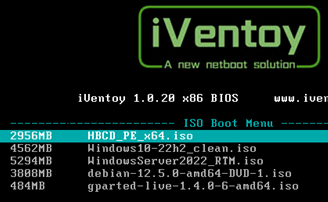
iVentoy Network Boot menu - select ISO image
LinuxWindows 11Windows Server 2019

Install Any OS from ISO Image over Network with iVentoy

June 24, 2024

Ventoy is a lightweight PXE multiboot server app that stores bootable ISO images of various operating systems (Windows, Linux, VMware, LiveCD based on WinPE or Linux, etc.), allowing computers to…

4 Facebook Twitter Google + Pinterest
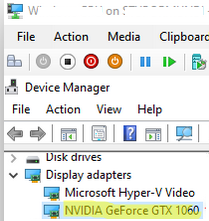
Assign NVIDIA GPU to a Hyper-V Virtual Machine
Hyper-VPowerShellWindows 10Windows 11Windows Server 2019

How to Assign (Passthrough) a Physical GPU to a Hyper-V Virtual Machine

June 11, 2024

The RemoteFX vGPU feature can be used in previous versions of Hyper-V (starting with Windows 7/Windows Server 2008 R2) to passthrough a host discrete GPU graphics card to a virtual…

12 Facebook Twitter Google + Pinterest
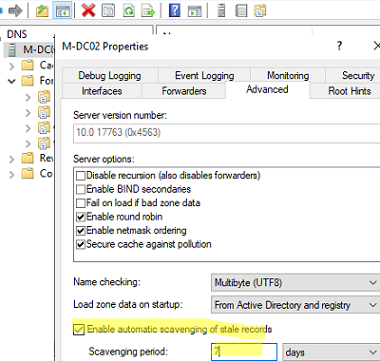
Enable automatic scavenging of status records
Active DirectoryWindows Server 2019

Configure DNS Scavenging to Clean Up Stale DNS Records in AD

April 25, 2024

Two special Windows Server DNS features can be used to automatically clean up old DNS records in Active Directory: DNS Aging – allows to determine the age of the dynamically…

5 Facebook Twitter Google + Pinterest
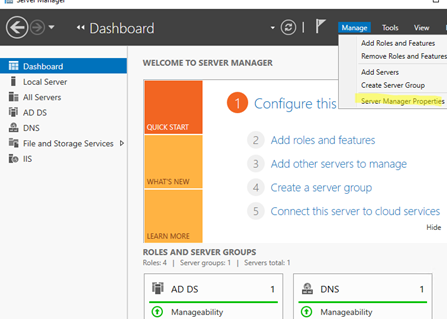
Server Manager dashboard auto launch on Windows Server
Group PoliciesPowerShellWindows Server 2019Windows Server 2022

Prevent Server Manager from Starting at Logon on Windows Server

April 11, 2024

The Server Manager dashboard opens automatically when you log on to Windows Server with an account that is a member of the local Administrators group. Server Manager console allows you…

5 Facebook Twitter Google + Pinterest
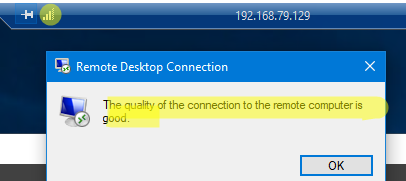
TCP transport for Remote Desktop
Windows 10Windows 11Windows Server 2019Windows Server 2022

Fix: Remote Desktop (RDP) Session Freezes (Disconnects) on Windows

March 18, 2024

In Windows 10/11 and Windows Server 2022/2019/2016, when connecting to a Remote Desktop (RDS) server, UDP port 3389 is used in addition to the default RDP port TCP/3389. When your…

6 Facebook Twitter Google + Pinterest
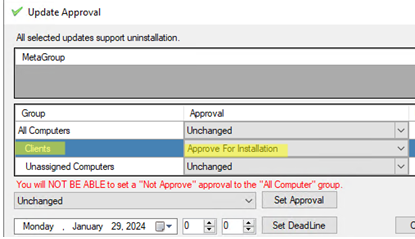
Approve software update fir install via WSUS
Windows 10Windows Server 2019Windows Server 2022

Deploying Third Party Software Updates with WSUS

February 20, 2024

The on-premises WSUS (Windows Server Update Services) server can be used not only to deploy updates for Microsoft products (Windows, Office) but also to centrally install and update any third-party…

6 Facebook Twitter Google + Pinterest
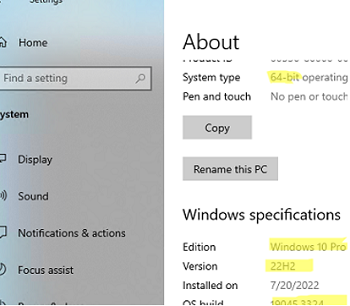
What version of Windows am I running?
PowerShellWindows 10Windows 11Windows Server 2019

How to Find Windows Version and Build Number Installed

February 9, 2024

The easiest way to quickly find out the version and build number of the Windows OS that is installed on your computer is to press the Win+R on the keyboard…

2 Facebook Twitter Google + Pinterest
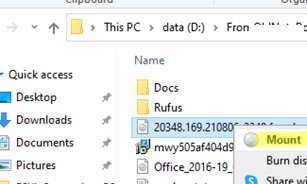
Mount iso image file in Windows
Questions and AnswersWindows 10Windows 11Windows Server 2019

Mounting an ISO Image File in Windows

January 25, 2024

All modern versions of Windows (Windows 8/Windows Server 2012 and newer) have built-in support for mounting ISO image files. An ISO file is a container file that contains an image…

0 Facebook Twitter Google + Pinterest
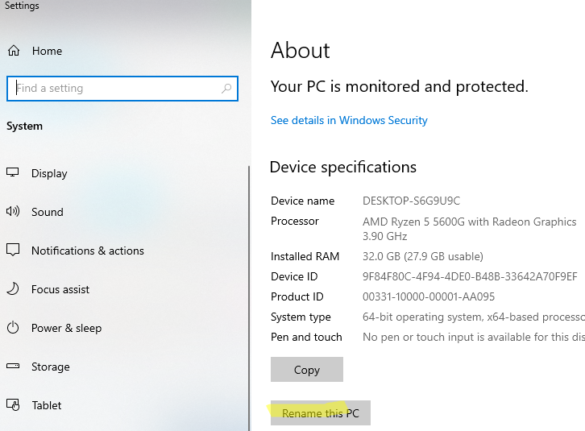
Rename this PC from Windows Settings app
Questions and AnswersWindows 10Windows 11Windows Server 2019

How to Change Computer Name (Hostname) in Windows

December 27, 2023

Once you have installed Windows Server or a Windows 10 desktop machine, you will need to change the default name of the computer (hostname). It is usually recommended to include…

1 Facebook Twitter Google + Pinterest
PowerShell: sending messages to Telegram via bot
PowerShellWindows 10Windows Server 2019

Send Telegram Messages from a PowerShell Script

December 13, 2023

You can use your Telegram messenger as a notification tool to get instant reports on various infrastructure events, script execution results, or scheduler tasks. This article shows you how to…

1 Facebook Twitter Google + Pinterest
  • 1
  • 2
  • 3
  • 4
  • …
  • 30
join us telegram channel https://t.me/woshub
Join WindowsHub Telegram channel to get the latest updates!

Recent Posts

  • Start Menu Not Working (Unresponsive) on Windows Server RDS

    November 27, 2025
  • AppLocker: Configure Application Restriction Policies in Windows

    November 19, 2025
  • Enable/Disable Random Hardware (MAC) Address for Wi-Fi on Windows

    November 14, 2025
  • Automate Software and Settings Deployment with WinGet Configure (DSC)

    November 13, 2025
  • SMB over QUIC: Mount File Share over Internet without VPN on Windows Server 2025

    November 4, 2025
  • How to Find a Previous Computer Name in Windows

    October 28, 2025
  • Stop Windows Server from Auto-Shutdown Every Hour

    October 22, 2025
  • How to Delete a Windows Service via CMD or PowerShell

    October 16, 2025
  • Resource Fair Sharing in Windows Server Remote Desktop Services (RDS)

    October 6, 2025
  • How to Disable (Enable) Credential Guard in Windows 11

    October 6, 2025

Follow us

  • Facebook
  • Twitter
  • Telegram
Popular Posts
  • Fixing ‘The Network Path Was Not Found’ 0x80070035 Error Code on Windows
  • Recovering Files from BitLocker Encrypted Drive
  • Monitoring Domain Name Expiration Date with Zabbix
  • Get Started with Docker on Windows (WSL2) without Docker Desktop
  • Proxmox: Share a Host Directory with VMs via VirtioFS
  • Printing from Linux to a Windows Shared Printer
  • Turn Linux Computer into Wi-Fi Access Point (Hotspot)
Footer Logo

@2014 - 2024 - Windows OS Hub. All about operating systems for sysadmins


Back To Top