Windows OS Hub
  • Windows
    • Windows 11
    • Windows 10
    • Windows Server 2025
    • Windows Server 2022
    • Windows Server 2019
    • Windows Server 2016
  • Microsoft
    • Active Directory (AD DS)
    • Group Policies (GPOs)
    • Exchange Server
    • Azure and Microsoft 365
    • Microsoft Office
  • Virtualization
    • VMware
    • Hyper-V
    • Proxmox
  • PowerShell
  • Linux
  • Home
  • About

Windows OS Hub

  • Windows
    • Windows 11
    • Windows 10
    • Windows Server 2025
    • Windows Server 2022
    • Windows Server 2019
    • Windows Server 2016
  • Microsoft
    • Active Directory (AD DS)
    • Group Policies (GPOs)
    • Exchange Server
    • Azure and Microsoft 365
    • Microsoft Office
  • Virtualization
    • VMware
    • Hyper-V
    • Proxmox
  • PowerShell
  • Linux

Windows Server 2019: Installation and Configuration Tutorials

What Others Are Reading in Windows Server 2019

How to Repair EFI/GPT Bootloader on Windows 10...

March 16, 2024

How to Run Program without Admin Privileges and...

June 8, 2023

Refresh AD Groups Membership without Reboot/Logoff

March 15, 2024

Fix: Remote Desktop Licensing Mode is not Configured

August 24, 2023

How to Repair Windows Boot Manager, BCD and...

March 11, 2024

PowerShell: Get Folder Size on Windows

August 21, 2026

Managing Windows Firewall Rules with PowerShell

March 11, 2024

How to Convert (Upgrade) Windows Server Evaluation to...

March 15, 2024

Protecting Remote Desktop (RDP) Host from Brute Force...

February 5, 2024

How to Find the Source of Account Lockouts...

March 12, 2024

How to Delete Old User Profiles in Windows

March 15, 2024

Fix: BSOD Error 0x0000007B (INACCESSABLE_BOOT_DEVICE) on Windows

March 17, 2024
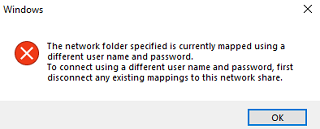
The network folder specified is currently mapped using a different user name and password
Questions and AnswersWindows 10Windows 11Windows Server 2019

Fix: Multiple Connections to a Server or Shared Resources by the Same User

July 16, 2024

When connecting shared network folders via net use or the File Explorer GUI on Windows, there is sometimes some rather strange behavior. For example, you may receive the error:
5 Facebook Twitter Google + Pinterest
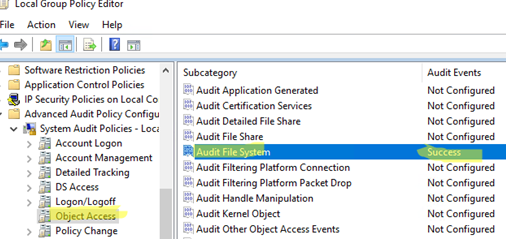
Enable 'Audit File System' policy on Windows
Group PoliciesPowerShellWindows Server 2019

Configure File and Folder Access Auditing on Windows (GPO)

June 27, 2024

The file system audit policy in Windows allows to monitor all access events to specific files and folders on a disk. An administrator can enable the audit policy to identify…

5 Facebook Twitter Google + Pinterest
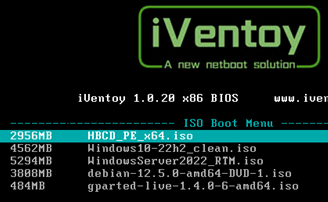
iVentoy Network Boot menu - select ISO image
LinuxWindows 11Windows Server 2019

Install Any OS from ISO Image over Network with iVentoy

June 24, 2024

Ventoy is a lightweight PXE multiboot server app that stores bootable ISO images of various operating systems (Windows, Linux, VMware, LiveCD based on WinPE or Linux, etc.), allowing computers to…

6 Facebook Twitter Google + Pinterest
Assign NVIDIA GPU to a Hyper-V Virtual Machine
Hyper-VPowerShellWindows 10Windows 11Windows Server 2019

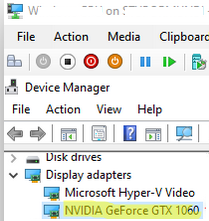
How to Assign (Passthrough) a Physical GPU to a Hyper-V Virtual Machine

June 11, 2024

The RemoteFX vGPU feature can be used in previous versions of Hyper-V (starting with Windows 7/Windows Server 2008 R2) to passthrough a host discrete GPU graphics card to a virtual…

16 Facebook Twitter Google + Pinterest
Enable automatic scavenging of status records
Active DirectoryWindows Server 2019

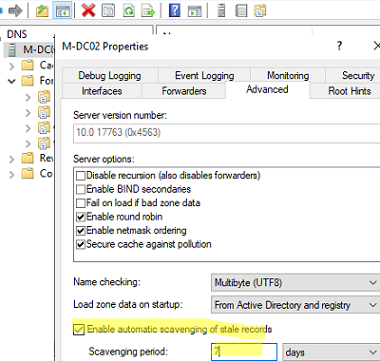
Configure DNS Scavenging to Clean Up Stale DNS Records in AD

April 25, 2024

Two special Windows Server DNS features can be used to automatically clean up old DNS records in Active Directory: DNS Aging – allows to determine the age of the dynamically…

5 Facebook Twitter Google + Pinterest
Server Manager dashboard auto launch on Windows Server
Group PoliciesPowerShellWindows Server 2019Windows Server 2022

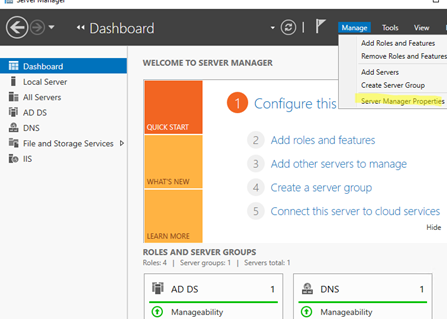
Prevent Server Manager from Starting at Logon on Windows Server

April 11, 2024

The Server Manager dashboard opens automatically when you log on to Windows Server with an account that is a member of the local Administrators group. Server Manager console allows you…

5 Facebook Twitter Google + Pinterest
TCP transport for Remote Desktop
Windows 10Windows 11Windows Server 2019Windows Server 2022

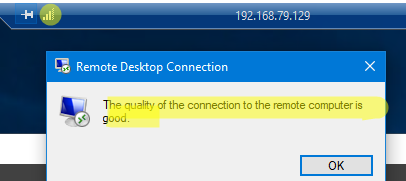
Fix: Remote Desktop (RDP) Session Freezes (Disconnects) on Windows

March 18, 2024

In Windows 10/11 and Windows Server 2022/2019/2016, when connecting to a Remote Desktop (RDS) server, UDP port 3389 is used in addition to the default RDP port TCP/3389. When your…

6 Facebook Twitter Google + Pinterest
What version of Windows am I running?
PowerShellWindows 10Windows 11Windows Server 2019

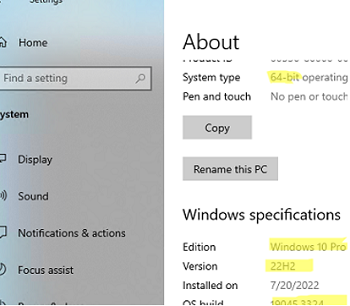
How to Find Windows Version and Build Number Installed

February 9, 2024

The easiest way to quickly find out the version and build number of the Windows OS that is installed on your computer is to press the Win+R on the keyboard…

2 Facebook Twitter Google + Pinterest
Mount iso image file in Windows
Questions and AnswersWindows 10Windows 11Windows Server 2019

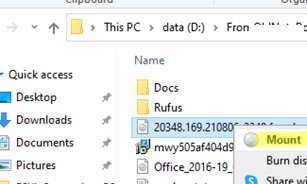
Mounting an ISO Image File in Windows

January 25, 2024

All modern versions of Windows (Windows 8/Windows Server 2012 and newer) have built-in support for mounting ISO image files. An ISO file is a container file that contains an image…

0 Facebook Twitter Google + Pinterest
Rename this PC from Windows Settings app
Questions and AnswersWindows 10Windows 11Windows Server 2019

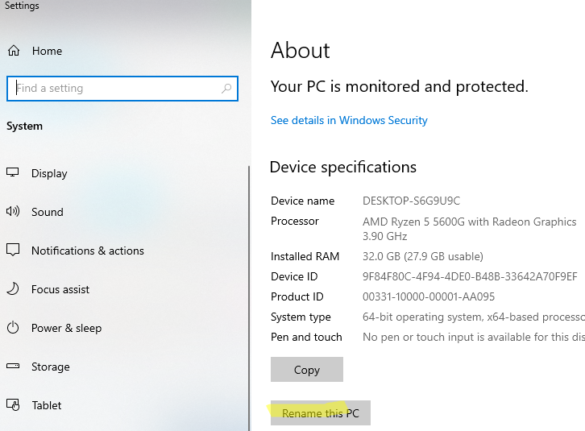
How to Change Computer Name (Hostname) in Windows

December 27, 2023

Once you have installed Windows Server or a Windows 10 desktop machine, you will need to change the default name of the computer (hostname). It is usually recommended to include…

1 Facebook Twitter Google + Pinterest
  • 1
  • 2
  • 3
  • 4
  • …
  • 28
join us telegram channel https://t.me/woshub
Join WindowsHub Telegram channel to get the latest updates!

Recent Posts

  • How to Convert Windows Machine into a Proxmox VM

    August 30, 2026
  • Enable or Disable Fast User Switching in Windows 11

    August 18, 2026
  • How to Hide Wi-Fi Network in Windows with WLAN Filters (Blacklist and Whitelist)

    August 14, 2026
  • Invalid Signature Detected: Check Secure Boot Policy [Fix]

    August 5, 2026
  • Windows Installer Service Could Not Be Accessed? How to Fix It

    July 28, 2026
  • Why Windows Reports No Internet Access: How Connectivity Detection Works

    July 26, 2026
  • Inactive TS Ports in Windows: Causes and Fixes

    July 20, 2026
  • Add Wireless Wi-Fi Profiles on Windows Devices via Export/Import or GPO

    July 13, 2026
  • CrowdSec on Windows: From Installation to Threat Blocking

    July 3, 2026
  • Manage Microsoft Store Apps with Store CLI in Windows 11 from Terminal

    July 2, 2026

Follow us

  • Facebook
  • Twitter
  • Youtube
  • Telegram
Popular Posts
  • Converting Windows 10 to Enterprise LTSC Without Losing Data
  • 0x80244010 Exceeded Max Server Round Trips: Windows Update Error
  • Permanently Disable Driver Signature Enforcement on Windows 11
  • How to Remove ‘Some Settings are Managed by Your Organization’ on Windows 11 or 10
  • How to Force Remove a Printer That Won’t Uninstall on Windows
  • Enable All CPU Cores on Windows 10 and 11
  • Remove the Max Path Length Limit (260-Characters) on Windows
Footer Logo

@2014 - 2026 - Windows OS Hub. All about operating systems for sysadmins


Back To Top