Windows OS Hub
  • Windows
    • Windows 11
    • Windows 10
    • Windows Server 2025
    • Windows Server 2022
    • Windows Server 2019
    • Windows Server 2016
  • Microsoft
    • Active Directory (AD DS)
    • Group Policies (GPOs)
    • Exchange Server
    • Azure and Microsoft 365
    • Microsoft Office
  • Virtualization
    • VMware
    • Hyper-V
    • Proxmox
  • PowerShell
  • Linux
  • Home
  • About

Windows OS Hub

  • Windows
    • Windows 11
    • Windows 10
    • Windows Server 2025
    • Windows Server 2022
    • Windows Server 2019
    • Windows Server 2016
  • Microsoft
    • Active Directory (AD DS)
    • Group Policies (GPOs)
    • Exchange Server
    • Azure and Microsoft 365
    • Microsoft Office
  • Virtualization
    • VMware
    • Hyper-V
    • Proxmox
  • PowerShell
  • Linux

Windows Server 2019: Installation and Configuration Tutorials

What Others Are Reading in Windows Server 2019

How to Repair EFI/GPT Bootloader on Windows 10...

March 16, 2024

How to Run Program without Admin Privileges and...

June 8, 2023

Refresh AD Groups Membership without Reboot/Logoff

March 15, 2024

How to Repair Windows Boot Manager, BCD and...

March 11, 2024

Fix: Remote Desktop Licensing Mode is not Configured

August 24, 2023

PowerShell: Get Folder Size on Windows

August 21, 2026

Managing Windows Firewall Rules with PowerShell

March 11, 2024

How to Convert (Upgrade) Windows Server Evaluation to...

March 15, 2024

Protecting Remote Desktop (RDP) Host from Brute Force...

February 5, 2024

How to Find the Source of Account Lockouts...

March 12, 2024

How to Delete Old User Profiles in Windows

March 15, 2024

Fix: BSOD Error 0x0000007B (INACCESSABLE_BOOT_DEVICE) on Windows

March 17, 2024
entryTTL in AD group properties (dynamicObject class)
Active DirectoryPowerShellWindows Server 2016Windows Server 2019

Time-Based (Temporary) Group Membership in Active Directory

May 20, 2021

The version of Active Directory in Windows Server 2016 introduces an interesting feature that allows you to temporarily add a user to an AD security group. This feature is called…

10 Facebook Twitter Google + Pinterest
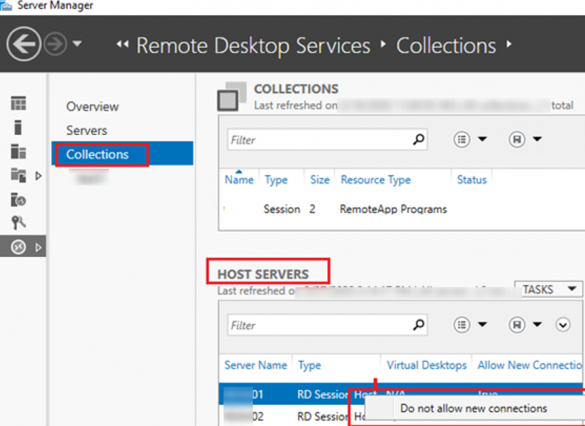
rds collection properties -> do not allow new connections
PowerShellWindows Server 2016Windows Server 2019

Setting Remote Desktop Drain Mode on a Windows Server RDS Host

May 17, 2021

You can use RDS Drain Mode to maintain terminal hosts in a Remote Desktop Services farm. If you enable Drain Mode for your RDS server, you can prevent the server…
5 Facebook Twitter Google + Pinterest
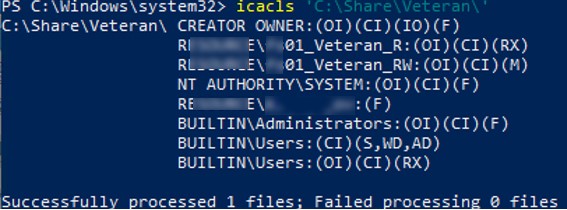
list current folder permissions using icacls.exe
Windows Server 2016Windows Server 2019

How to Set, Copy, Export or Restore NTFS Permissions Using iCACLS?

May 13, 2021

You can use the built-in iCACLS tool to manage NTFS permissions on Windows. The icacls.exe command line tool allows you to get or change Access Control Lists (ACLs) for files…

12 Facebook Twitter Google + Pinterest
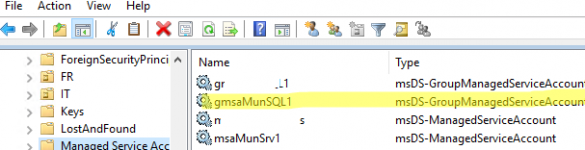
msDS-GroupManagedServiceAccount
Active DirectoryPowerShellWindows 10Windows Server 2019Windows Server 2022

Using Managed Service Accounts (MSA and gMSA) in Active Directory

May 11, 2021

You can use Managed Service Accounts (MSA) to securely run services, applications, and scheduler tasks on servers and workstations in an Active Directory domain. The MSA is a special type…

7 Facebook Twitter Google + Pinterest
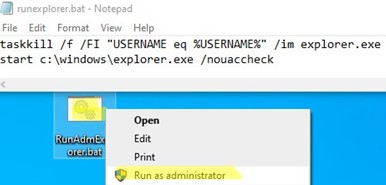
bat file to run file explorer as admin
Windows 10Windows 11Windows Server 2016Windows Server 2019Windows Server 2022

How to Run File Explorer Elevated (as Administrator) on Windows

April 16, 2021

File Explorer process always runs with minimal (non-elevated) privileges in Windows. Even if you click the C:\Windows\explorer.exe executable file and try to start it in the ‘Run as administrator’ mode,…

13 Facebook Twitter Google + Pinterest
Windows 10Windows 11Windows Server 2019

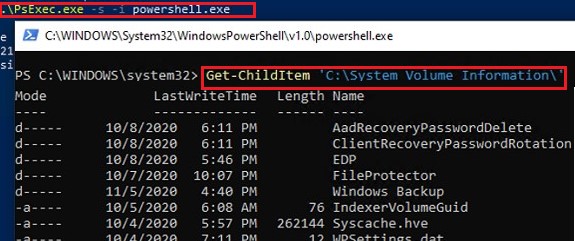
How to Clean Up System Volume Information Folder on Windows

April 15, 2021

Windows automatically creates a hidden System Volume Information directory in the root of each connected NTFS drive (whether a local HDD/SSD drive or a removable USB drive). The size of…

20 Facebook Twitter Google + Pinterest
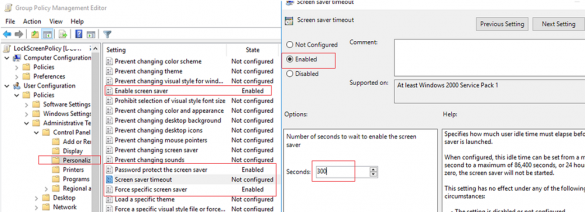
GPO to lock the computer after 5 minutes of idle
Active DirectoryGroup PoliciesWindows 10Windows 11Windows Server 2019

Auto Lock Computer Screen After Inactivity with GPO

April 8, 2021

Information security best practices require the computer screen to be locked when the user is inactive (idle) for some time. A Windows user can lock the computer screen themselves (using…

5 Facebook Twitter Google + Pinterest
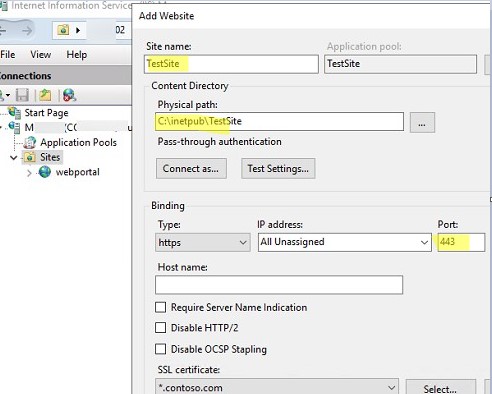
Adding second website on IIS web server
Windows 10Windows Server 2019Windows Server 2022

Hosting Multiple Websites in IIS with Same Port and IP Address

April 1, 2021

When you install an IIS (Internet Information Services) web server on Windows, an empty “Default Web Site” is created, listening on the default HTTP port 80. In this article, we…

7 Facebook Twitter Google + Pinterest
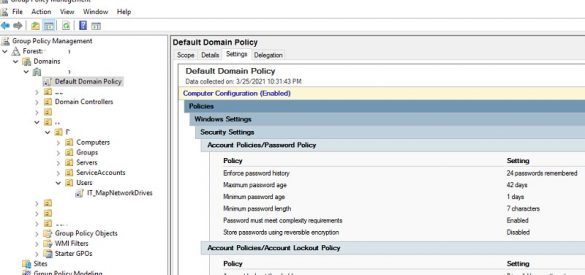
resulting password policy settings in ad domain
Active DirectoryGroup PoliciesPowerShellWindows Server 2019

Configuring Password Policy in Active Directory Domain

March 26, 2021

The password policy in an Active Directory domain specifies basic security requirements for user account passwords, such as password complexity, length, frequency of password changes, and so on. A strong…

12 Facebook Twitter Google + Pinterest
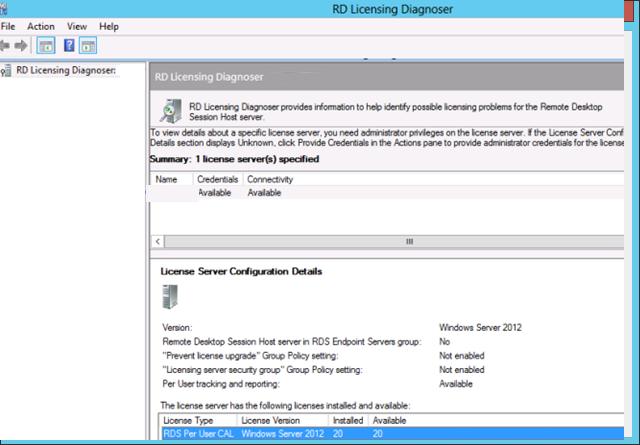
rd licensing diagnoser
Windows 10Windows Server 2019

Remote Session Disconnected: No Remote Desktop License Servers/Client Access Licenses Available

March 12, 2021

In this article, we’ll look at several common issues related to RDS licensing, when RDP clients cannot connect to Windows Server with the Remote Desktop Services Host role installed. Licensing…

10 Facebook Twitter Google + Pinterest
  • 1
  • …
  • 20
  • 21
  • 22
  • 23
  • 24
  • …
  • 27
join us telegram channel https://t.me/woshub
Join WindowsHub Telegram channel to get the latest updates!

Recent Posts

  • Block Specific Keyboard Shortcuts with Keyboard Filter on Windows

    October 3, 2026
  • How to Set Task Priority in Windows Task Scheduler

    September 22, 2026
  • AutoStart Program at RDP Logon in Windows RDS

    September 8, 2026
  • How to Convert Windows Machine into a Proxmox VM

    August 30, 2026
  • Enable or Disable Fast User Switching in Windows 11

    August 18, 2026
  • How to Hide Wi-Fi Network in Windows with WLAN Filters (Blacklist and Whitelist)

    August 14, 2026
  • Invalid Signature Detected: Check Secure Boot Policy [Fix]

    August 5, 2026
  • Windows Installer Service Could Not Be Accessed? How to Fix It

    July 28, 2026
  • Why Windows Reports No Internet Access: How Connectivity Detection Works

    July 26, 2026
  • Inactive TS Ports in Windows: Causes and Fixes

    July 20, 2026

Follow us

  • Facebook
  • Twitter
  • Youtube
  • Telegram
Popular Posts
  • Configure Google Chrome Settings with Group Policy
  • Get-ADUser: Find Active Directory User Info with PowerShell
  • How to Disable or Enable USB Drives in Windows using Group Policy
  • How to Find the Source of Account Lockouts in Active Directory
  • Get-ADComputer: Find Computer Properties in Active Directory with PowerShell
  • Configure Proxy Server Settings in Windows via Group Policy
  • Adding Domain Users to Local Administrators in Windows
Footer Logo

@2014 - 2026 - Windows OS Hub. All about operating systems for sysadmins


Back To Top