Windows OS Hub
  • Windows
    • Windows 11
    • Windows 10
    • Windows Server 2025
    • Windows Server 2022
    • Windows Server 2019
    • Windows Server 2016
  • Microsoft
    • Active Directory (AD DS)
    • Group Policies (GPOs)
    • Exchange Server
    • Azure and Microsoft 365
    • Microsoft Office
  • Virtualization
    • VMware
    • Hyper-V
    • Proxmox
  • PowerShell
  • Linux
  • Home
  • About

Windows OS Hub

  • Windows
    • Windows 11
    • Windows 10
    • Windows Server 2025
    • Windows Server 2022
    • Windows Server 2019
    • Windows Server 2016
  • Microsoft
    • Active Directory (AD DS)
    • Group Policies (GPOs)
    • Exchange Server
    • Azure and Microsoft 365
    • Microsoft Office
  • Virtualization
    • VMware
    • Hyper-V
    • Proxmox
  • PowerShell
  • Linux

Windows Server 2019: Installation and Configuration Tutorials

What Others Are Reading in Windows Server 2019

How to Repair EFI/GPT Bootloader on Windows 10...

March 16, 2024

How to Run Program without Admin Privileges and...

June 8, 2023

How to Repair Windows Boot Manager, BCD and...

March 11, 2024

Refresh AD Groups Membership without Reboot/Logoff

March 15, 2024

Fix: Remote Desktop Licensing Mode is not Configured

August 24, 2023

PowerShell: Get Folder Size on Windows

April 2, 2024

Managing Windows Firewall Rules with PowerShell

March 11, 2024

How to Convert (Upgrade) Windows Server Evaluation to...

March 15, 2024

Protecting Remote Desktop (RDP) Host from Brute Force...

February 5, 2024

How to Find the Source of Account Lockouts...

March 12, 2024

Fix: Can’t Extend Volume in Windows

March 11, 2024

How to Delete Old User Profiles in Windows

March 15, 2024
check who restarted windows with powershell script
PowerShellWindows 10Windows Server 2019

How to Check Who Restarted (Shutdown) Windows Server

October 12, 2022

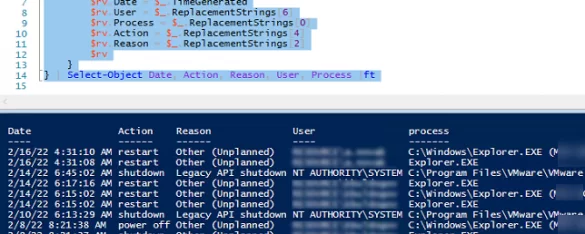
If your company has several system administrators, sometimes you may want to know who rebooted the server. In this article. I will show you how to identify a user who…
0 Facebook Twitter Google + Pinterest
powershell script for finding duplicate files in windows
PowerShellWindows 10Windows 11Windows Server 2019

How to Find Duplicate Files Using PowerShell

October 11, 2022

For one of the projects, I needed a PowerShell script to find duplicate files in the shared network folder of a file server. There are a number of third-party tools…
8 Facebook Twitter Google + Pinterest
Run sql query with pgAdmin
Windows 10Windows Server 2019

Install and Configure PostgreSQL on Windows

October 11, 2022

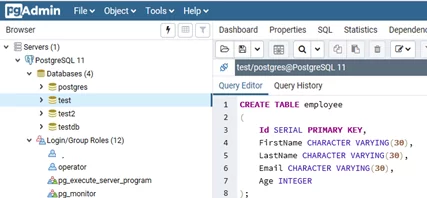
PostgreSQL is a free object-relational database management system able to compete with proprietary databases, like Microsoft SQL Server or Oracle. PostgreSQL supports user data, functions, operations, domains, and indexes. In…
2 Facebook Twitter Google + Pinterest
Windows 10Windows Server 2019

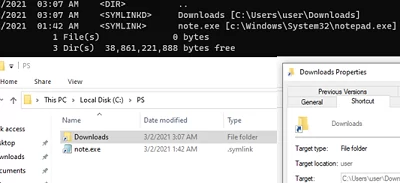
Creating Symbolic Links (Symlinks) in Windows

October 11, 2022

A symbolic link (symlink) is a special file on a file system that doesn’t contain any data but is actually a shortcut pointing to another object (file or folder). When…
6 Facebook Twitter Google + Pinterest
configuring windows firewall inbound rules via gpo
Active DirectoryGroup PoliciesWindows 10Windows Server 2019

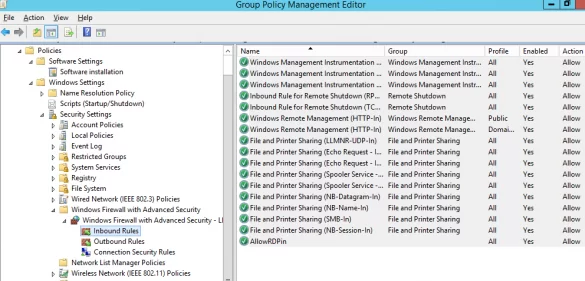
Configuring Windows Firewall Rules Using Group Policy

October 10, 2022

The Microsoft Defender Firewall is built into all modern versions of Windows and Windows Server and allows you to configure rules for filtering incoming and/or outgoing network traffic on your…
15 Facebook Twitter Google + Pinterest
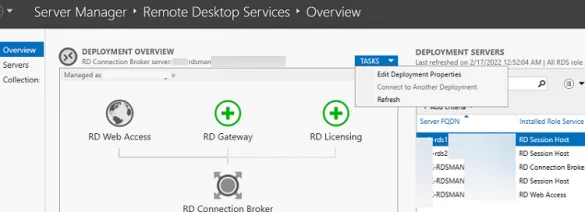
Edit RDS Deployment Properties via Server Manager on Windows Server 2019
PowerShellWindows Server 2016Windows Server 2019Windows Server 2022

Configuring Remote Desktop Services (RDS) Farm on Windows Server

October 3, 2022

This guide shows how to install, configure, and maintain a terminal server farm based on the Remote Desktop Services (RDS) role on Windows Server. The article will help you to…
6 Facebook Twitter Google + Pinterest
choose default app for file extension in windows 10 settings
Group PoliciesWindows 10Windows 11Windows Server 2019

Changing Default File Associations in Windows 10 and 11

September 29, 2022

In this article, we’ll look at how to manage the default File Type Associations (FTA) on Windows 10/11 and Windows Server 2022/2019/2016. As an example, we will show how to…

12 Facebook Twitter Google + Pinterest
Enter One-Time Password to Login RDS/RDP host running Windows
Windows 10Windows Server 2016Windows Server 2019

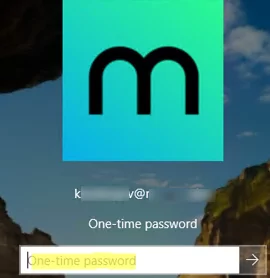
Enable Two-Factor Authentication (2FA) in Windows with MultiOTP

September 21, 2022

In this article, we will show how to implement two-factor authentication (2FA) for users on a Windows domain using the free open-source multiOTP package. MultiOTP is a set of PHP…
15 Facebook Twitter Google + Pinterest
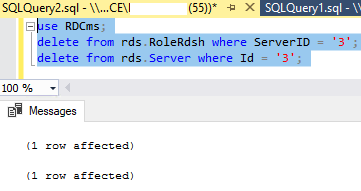
remove remote desktop server from RD database with T-sql
Windows Server 2016Windows Server 2019

How to Remove RD Session Host from Remote Desktop Services Deployment

September 20, 2022

To remove an RSDH host from a Remote Desktop Services session collection/farm, you can use the Server Manager graphical console or the Remove-RDSessionHost PowerShell cmdlet.
7 Facebook Twitter Google + Pinterest
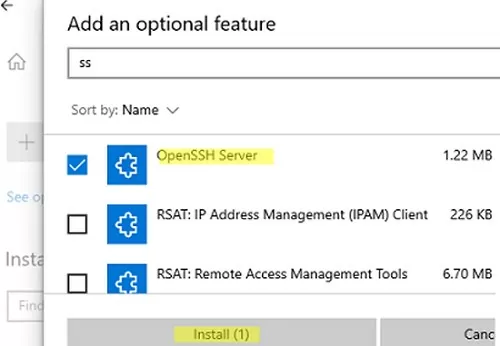
install openssh server on windows 10 via settings app
PowerShellWindows 10Windows 11Windows Server 2019Windows Server 2022

How to Enable and Configure SSH Server on Windows with OpenSSH

September 16, 2022

SSH-server based on the OpenSSH package is part of the operating system in all modern versions of Windows. In this article, we’ll show you how to install and configure the…

12 Facebook Twitter Google + Pinterest
  • 1
  • …
  • 10
  • 11
  • 12
  • 13
  • 14
  • …
  • 28
join us telegram channel https://t.me/woshub
Join WindowsHub Telegram channel to get the latest updates!

Recent Posts

  • Inactive TS Ports in Windows: Causes and Fixes

    July 20, 2026
  • Add Wireless Wi-Fi Profiles on Windows Devices via Export/Import or GPO

    July 13, 2026
  • CrowdSec on Windows: From Installation to Threat Blocking

    July 3, 2026
  • Manage Microsoft Store Apps with Store CLI in Windows 11 from Terminal

    July 2, 2026
  • Windows Sandbox on Windows 11: Enable, Configure, and Use

    June 10, 2026
  • How to Monitor Windows Machines with Zabbix

    May 26, 2026
  • Fixing Duplicate Security Identifier (SID) Issues in Windows

    May 25, 2026
  • Monitor a Folder for File Changes Using PowerShell and FileSystemWatcher

    May 15, 2026
  • Protect Windows Server from DDoS and Brute-Force Attacks with IPBan

    May 12, 2026
  • How to Force Uninstall ANY Stubborn Program in Windows

    May 7, 2026

Follow us

  • Facebook
  • Twitter
  • Youtube
  • Telegram
Popular Posts
  • Install and Manage Windows Updates with PowerShell (PSWindowsUpdate)
  • How to Download Offline Installer (APPX/MSIX) for Microsoft Store App
  • How to Update Trusted Root Certificates in Windows: Manual and Automatic Methods Explained
  • Fix: Remote Desktop Licensing Mode is not Configured
  • How to Delete Old User Profiles in Windows
  • Configuring Port Forwarding in Windows
  • How to Install RSAT (Remote Server Administration Tools) on Windows
Footer Logo

@2014 - 2026 - Windows OS Hub. All about operating systems for sysadmins


Back To Top