Windows OS Hub
  • Windows
    • Windows 11
    • Windows 10
    • Windows Server 2025
    • Windows Server 2022
    • Windows Server 2019
    • Windows Server 2016
  • Microsoft
    • Active Directory (AD DS)
    • Group Policies (GPOs)
    • Exchange Server
    • Azure and Microsoft 365
    • Microsoft Office
  • Virtualization
    • VMware
    • Hyper-V
    • Proxmox
  • PowerShell
  • Linux
  • Home
  • About

Windows OS Hub

  • Windows
    • Windows 11
    • Windows 10
    • Windows Server 2025
    • Windows Server 2022
    • Windows Server 2019
    • Windows Server 2016
  • Microsoft
    • Active Directory (AD DS)
    • Group Policies (GPOs)
    • Exchange Server
    • Azure and Microsoft 365
    • Microsoft Office
  • Virtualization
    • VMware
    • Hyper-V
    • Proxmox
  • PowerShell
  • Linux

Windows Server 2019: Installation and Configuration Tutorials

What Others Are Reading in Windows Server 2019

How to Repair EFI/GPT Bootloader on Windows 10...

March 16, 2024

How to Restore Deleted EFI System Partition in...

March 11, 2024

How to Run Program without Admin Privileges and...

June 8, 2023

How to Repair Windows Boot Manager, BCD and...

March 11, 2024

Refresh AD Groups Membership without Reboot/Logoff

March 15, 2024

Fix: Remote Desktop Licensing Mode is not Configured

August 24, 2023

PowerShell: Get Folder Size on Windows

April 2, 2024

Managing Windows Firewall Rules with PowerShell

March 11, 2024

How to Convert (Upgrade) Windows Server Evaluation to...

March 15, 2024

How to Find the Source of Account Lockouts...

March 12, 2024

Protecting Remote Desktop (RDP) Host from Brute Force...

February 5, 2024

Fix: Can’t Extend Volume in Windows

March 11, 2024
Enter One-Time Password to Login RDS/RDP host running Windows
Windows 10Windows Server 2016Windows Server 2019

Enable Two-Factor Authentication (2FA) in Windows with MultiOTP

September 21, 2022

In this article, we will show how to implement two-factor authentication (2FA) for users on a Windows domain using the free open-source multiOTP package. MultiOTP is a set of PHP…

15 Facebook Twitter Google + Pinterest
remove remote desktop server from RD database with T-sql
Windows Server 2016Windows Server 2019

How to Remove RD Session Host from Remote Desktop Services Deployment

September 20, 2022

To remove an RSDH host from a Remote Desktop Services session collection/farm, you can use the Server Manager graphical console or the Remove-RDSessionHost PowerShell cmdlet.

7 Facebook Twitter Google + Pinterest
install openssh server on windows 10 via settings app
PowerShellWindows 10Windows 11Windows Server 2019Windows Server 2022

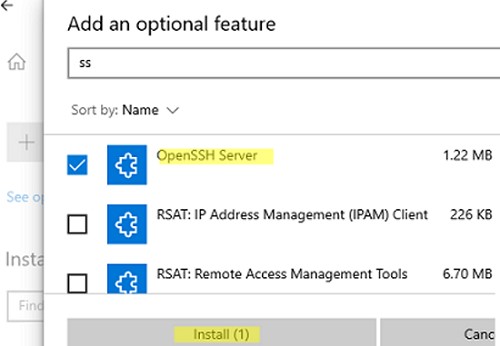
How to Enable and Configure SSH Server on Windows with OpenSSH

September 16, 2022

SSH-server based on the OpenSSH package is part of the operating system in all modern versions of Windows. In this article, we’ll show you how to install and configure the…
12 Facebook Twitter Google + Pinterest
Finding Windows Versions in Active Directory
Active DirectoryPowerShellWindows 10Windows 11Windows Server 2019

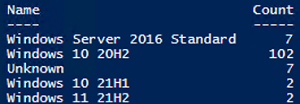
Find Windows OS Versions and Builds in Active Directory

September 9, 2022

Let’s look at several ways to inventory versions and builds of Windows OSs in an Active Directory domain (it is especially relevant for Windows 10). If you haven’t any tools…

2 Facebook Twitter Google + Pinterest
rds deployment configuration on windows server
PowerShellWindows Server 2016Windows Server 2019

Migrating RDS Roles (Connection Broker, Web Access) to Another Server

September 9, 2022

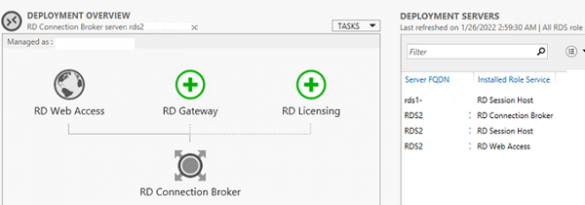
This guide should help you to migrate (move) Remote Desktop Connection Broker and RDS Web Access roles to another server. In this example, we will migrate the RDS Connection Broker…

3 Facebook Twitter Google + Pinterest
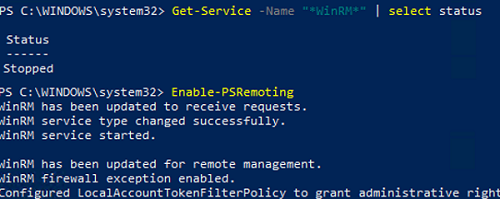
enable gpo : Allow remote server management through WinRM
Active DirectoryGroup PoliciesPowerShellWindows 10Windows Server 2019

How to Enable and Configure WinRM (Windows Remote Management) via GPO

September 9, 2022

In this article, we will show how to enable and configure Windows Remote Management (WinRM) on domain computers using Group Policy (GPO). Windows Remote Management is an implementation of the…

6 Facebook Twitter Google + Pinterest
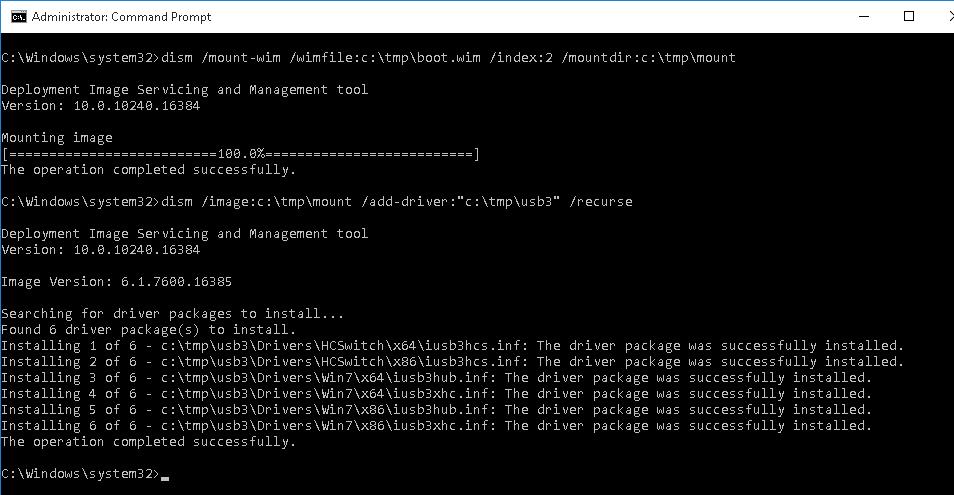
dism /image:c:\tmp\mount /add-driver usb
Windows 11Windows Server 2019

Adding USB 3.0 and NVMe Drivers to Windows 7 Install Media

September 7, 2022

The Windows 7 RTM distribution doesn’t support USB 3.0 and NVME controllers out-of-the-box, and you can encounter some problems when installing Windows 7 on a computer/laptop having USB 3.0/3.1 ports…

16 Facebook Twitter Google + Pinterest
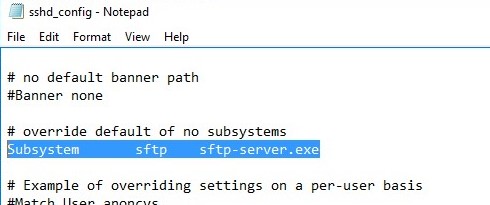
openssh sshd_config file in windows
PowerShellWindows 10Windows 11Windows Server 2016Windows Server 2019

Configuring SFTP (SSH FTP) Server on Windows

September 7, 2022

You can use the built-in OpenSSH package in Windows to easily enable secure file transfers between the client and Windows server using the SFTP (Secure FTP) protocol. In this article,…

7 Facebook Twitter Google + Pinterest
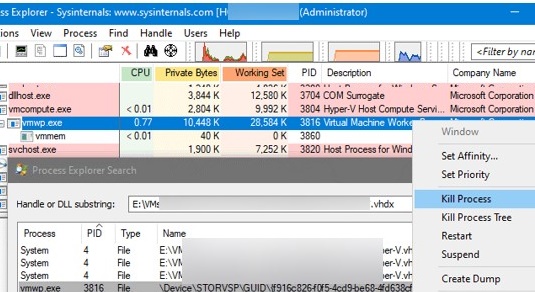
kill vmwp.exe hyper-v vm worker process with proc explorer
Hyper-VPowerShellWindows Server 2016Windows Server 2019

Hyper-V Virtual Machine Stuck in Stopping/Starting State

September 7, 2022

If your virtual machine running on Hyper-V is stuck for some reason, stopped responding, and doesn’t start/stop/reset after clicking the corresponding buttons in the Hyper-V Manager console, you can force-stop…

10 Facebook Twitter Google + Pinterest
The processing of Group Policy failed - Windows couldn't apply the policy settings for the GPO
Group PoliciesWindows 10Windows Server 2019

Fix: Group Policy Processing Error in Windows

August 25, 2022

I encountered a strange problem when applying new GPO settings on one of the computers. To diagnose the problem, I updated GPO settings manually using the gpupdate /force command and…

7 Facebook Twitter Google + Pinterest
  • 1
  • …
  • 11
  • 12
  • 13
  • 14
  • 15
  • …
  • 29
join us telegram channel https://t.me/woshub
Join WindowsHub Telegram channel to get the latest updates!

Recent Posts

  • How to Monitor Windows Machines with Zabbix

    May 26, 2026
  • Fixing Duplicate Security Identifier (SID) Issues in Windows

    May 25, 2026
  • Monitor a Folder for File Changes Using PowerShell and FileSystemWatcher

    May 15, 2026
  • Protect Windows Server from DDoS and Brute-Force Attacks with IPBan

    May 12, 2026
  • How to Force Uninstall ANY Stubborn Program in Windows

    May 7, 2026
  • How to Safely Disable IPv6 on Windows

    April 30, 2026
  • Updating UEFI Secure Boot Certificates on Windows Devices Explained

    April 20, 2026
  • Security Warnings When Opening RDP Files in Windows 11

    April 17, 2026
  • Find Computers with Pending Reboot Status Using PowerShell

    April 15, 2026
  • Mounting NFS Shares in Windows Using the Built-in Client

    March 26, 2026

Follow us

  • Facebook
  • Twitter
  • Youtube
  • Telegram
Popular Posts
  • How to Allow Multiple RDP Sessions on Windows 11 and 10
  • How to Repair EFI/GPT Bootloader on Windows 10 or 11
  • How to Restore Deleted EFI System Partition in Windows
  • Network Computers are not Showing Up in Windows 10/11
  • How to Run Program without Admin Privileges and Bypass UAC Prompt
  • Fix: BSOD Error 0x0000007B (INACCESSABLE_BOOT_DEVICE) on Windows
  • Install and Manage Windows Updates with PowerShell (PSWindowsUpdate)
Footer Logo

@2014 - 2026 - Windows OS Hub. All about operating systems for sysadmins


Back To Top