Windows OS Hub
  • Windows
    • Windows 11
    • Windows 10
    • Windows Server 2025
    • Windows Server 2022
    • Windows Server 2019
    • Windows Server 2016
  • Microsoft
    • Active Directory (AD DS)
    • Group Policies (GPOs)
    • Exchange Server
    • Azure and Microsoft 365
    • Microsoft Office
  • Virtualization
    • VMware
    • Hyper-V
    • Proxmox
  • PowerShell
  • Linux
  • Home
  • About

Windows OS Hub

  • Windows
    • Windows 11
    • Windows 10
    • Windows Server 2025
    • Windows Server 2022
    • Windows Server 2019
    • Windows Server 2016
  • Microsoft
    • Active Directory (AD DS)
    • Group Policies (GPOs)
    • Exchange Server
    • Azure and Microsoft 365
    • Microsoft Office
  • Virtualization
    • VMware
    • Hyper-V
    • Proxmox
  • PowerShell
  • Linux

Windows Server 2019: Installation and Configuration Tutorials

What Others Are Reading in Windows Server 2019

How to Repair EFI/GPT Bootloader on Windows 10...

March 16, 2024

How to Run Program without Admin Privileges and...

June 8, 2023

How to Repair Windows Boot Manager, BCD and...

March 11, 2024

Refresh AD Groups Membership without Reboot/Logoff

March 15, 2024

Fix: Remote Desktop Licensing Mode is not Configured

August 24, 2023

PowerShell: Get Folder Size on Windows

August 21, 2026

Managing Windows Firewall Rules with PowerShell

March 11, 2024

Protecting Remote Desktop (RDP) Host from Brute Force...

February 5, 2024

How to Convert (Upgrade) Windows Server Evaluation to...

March 15, 2024

How to Enable and Configure Hyper-V Remote Management

June 8, 2023

How to Find the Source of Account Lockouts...

March 12, 2024

Fix: BSOD Error 0x0000007B (INACCESSABLE_BOOT_DEVICE) on Windows

March 17, 2024
windows server 2019 rds: poor performance many firewall rules
Windows 10Windows Server 2016Windows Server 2019

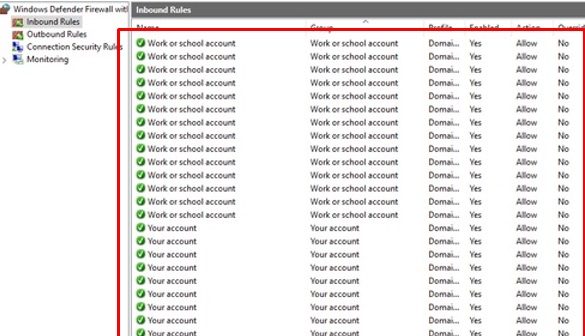
RDS and RemoteApp Performance Issues on Windows Server 2019/2016

May 16, 2022

In this article, I’ve put together some solutions to common performance problems with RDS servers or published RemoteApp that I’ve encountered in my infrastructure. Before implementing any of the solutions…
7 Facebook Twitter Google + Pinterest
PowerShellWindows 10Windows Server 2019

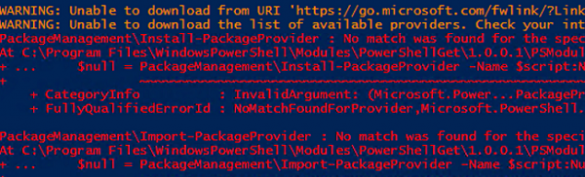
PowerShell Install-Module Error: Unable to Download from URI

April 21, 2022

In earlier Windows versions (Windows 8.1, Windows Server 2012 R2), you may see the Unable to download from URI error when trying to install modules from the PowerShell Gallery using…

7 Facebook Twitter Google + Pinterest
disable automatic restart on system failure on windows 11
Windows 10Windows 11Windows Server 2019

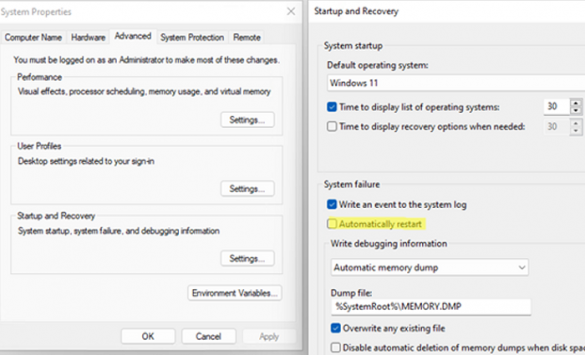
Disable Automatic Restart on System Failure in Windows 10/11

April 5, 2022

Windows has a built-in feature that automatically restarts the operating system in the event of a system failure. This option is enabled by default and allows Windows to automatically restart…

2 Facebook Twitter Google + Pinterest
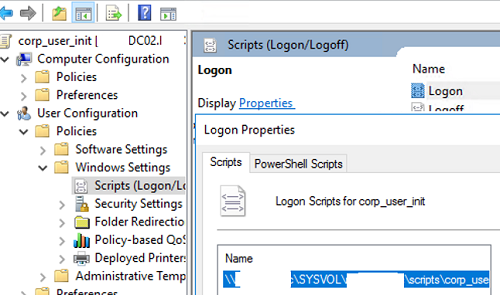
GPO: Run a logon script once a new user logs on
Active DirectoryGroup PoliciesWindows 10Windows Server 2019

How to Run GPO Logon Script Only Once

April 5, 2022

GPO logon scripts allow you to run a BAT or PowerShell script at computer startup or user logon/logoff. In some cases, an administrator wants a particular script (command/program) to be…

2 Facebook Twitter Google + Pinterest
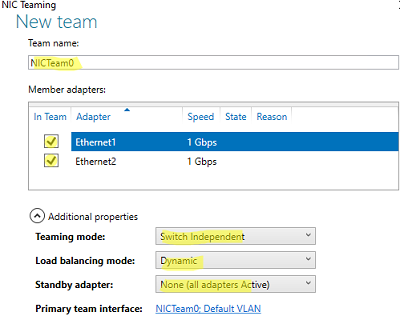
Configure NIC Teaming additional properties (load balancing mode, standby)
PowerShellWindows 10Windows 11Windows Server 2016Windows Server 2019

How to Configure NIC Teaming on Windows Server 2019/2016 and Windows 10

March 29, 2022

NIC Teaming (or Load Balancing/Failover – LBFO, or NIC bonding) allows joining multiple physical network adapters (NICs) into a single logical network card. In this article, we’ll show how to…

3 Facebook Twitter Google + Pinterest
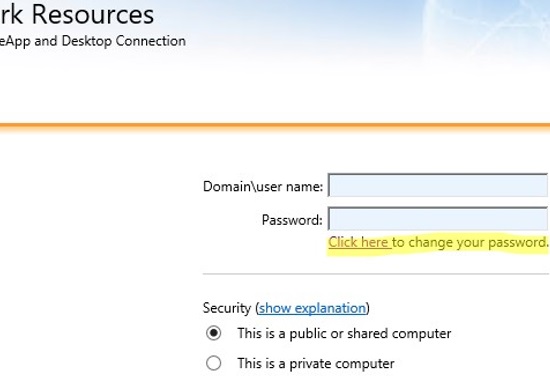
allow remote users to chage password on rd web access
Windows Server 2016Windows Server 2019

How to Change Expired Password via Remote Desktop Web Access on Windows Server

March 23, 2022

In this article, we’ll show how your remote users can change their expired passwords using a special web form on a Remote Desktop Services (RDS) server with the RD Web…

6 Facebook Twitter Google + Pinterest
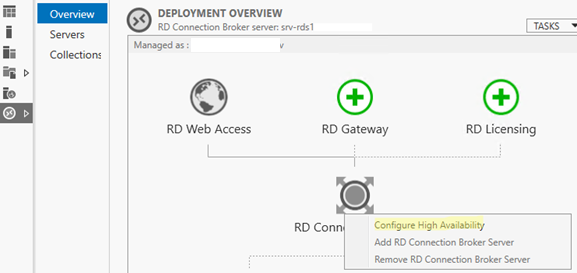
RD Connection Broker - COnfigure High Availability
PowerShellWindows Server 2019Windows Server 2022

Configuring RDS Connection Broker High Availability on Windows Server

March 21, 2022

Remote Desktop Connection Broker (RDCB) is a component of the Remote Desktop Services (RDS) role in Windows Server. RD Connection Broker allows you to load-balance the RDS farm servers (when…

10 Facebook Twitter Google + Pinterest
powershell: list todays rdp logons with an ip and username
PowerShellWindows Server 2016Windows Server 2019

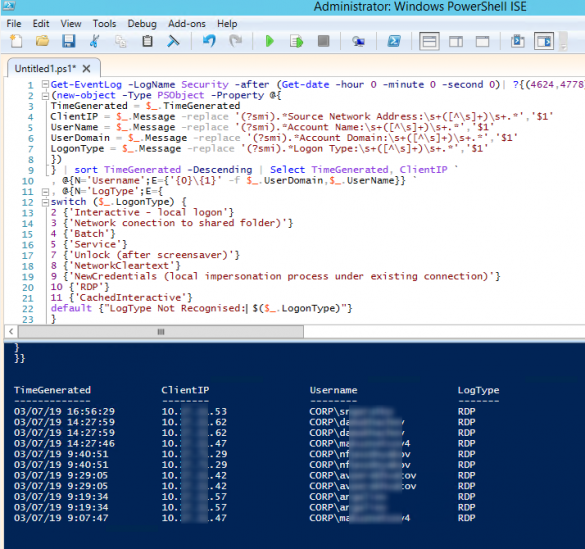
Tracking and Analyzing Remote Desktop Connection Logs in Windows

March 18, 2022

In this article, we’ll describe how to get and audit the RDP connection logs in Windows. The RDP connection logs allow RDS terminal server administrators to get information about which…

15 Facebook Twitter Google + Pinterest
hyper-v create vm powershell
Hyper-VPowerShellVirtualizationWindows 10Windows Server 2019

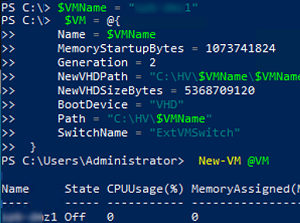
Managing Hyper-V Virtual Machines with PowerShell

March 15, 2022

This article is about managing Hyper-V virtual machines from the PowerShell console. We’ll look at how to create virtual switches and virtual machines, change VM settings, and manage VMs. You…

5 Facebook Twitter Google + Pinterest
restore iis config files from a backup with appcmd
PowerShellWindows Server 2016Windows Server 2019

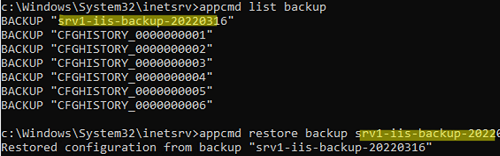
How to Backup and Restore Websites and IIS configuration

March 15, 2022

In this article, we’ll look at how to backup websites, application pools, and IIS web server configuration on Windows Server. You can use an Internet Information Services backup to restore…

17 Facebook Twitter Google + Pinterest
  • 1
  • …
  • 14
  • 15
  • 16
  • 17
  • 18
  • …
  • 27
join us telegram channel https://t.me/woshub
Join WindowsHub Telegram channel to get the latest updates!

Recent Posts

  • We Can’t Sign In to Your Account: Fix Temporary User Profile in Windows

    October 20, 2026
  • Backup/Sync to Cloud Storage with Rclone on Windows

    October 9, 2026
  • Fix Missing “Yes” Button in User Account Control Prompt on Windows

    October 7, 2026
  • Block Specific Keyboard Shortcuts with Keyboard Filter on Windows

    October 3, 2026
  • How to Set Task Priority in Windows Task Scheduler

    September 22, 2026
  • AutoStart Program at RDP Logon in Windows RDS

    September 8, 2026
  • How to Convert Windows Machine into a Proxmox VM

    August 30, 2026
  • Enable or Disable Fast User Switching in Windows 11

    August 18, 2026
  • How to Hide Wi-Fi Network in Windows with WLAN Filters (Blacklist and Whitelist)

    August 14, 2026
  • Invalid Signature Detected: Check Secure Boot Policy [Fix]

    August 5, 2026

Follow us

  • Facebook
  • Twitter
  • Youtube
  • Telegram
Popular Posts
  • Converting Windows 10 to Enterprise LTSC Without Losing Data
  • Configuring RemoteApps Hosted on Windows 10/11 (without Windows Server)
  • Security Warnings When Opening RDP Files in Windows 11
  • How to Remove ‘Some Settings are Managed by Your Organization’ on Windows 11 or 10
  • Remove the Max Path Length Limit (260-Characters) on Windows
  • Unable to Select Edition During Windows 10/11 Installation
  • Change BIOS from Legacy to UEFI without Reinstalling Windows
Footer Logo

@2014 - 2026 - Windows OS Hub. All about operating systems for sysadmins


Back To Top