Windows OS Hub
  • Windows
    • Windows 11
    • Windows 10
    • Windows Server 2025
    • Windows Server 2022
    • Windows Server 2019
    • Windows Server 2016
  • Microsoft
    • Active Directory (AD DS)
    • Group Policies (GPOs)
    • Exchange Server
    • Azure and Microsoft 365
    • Microsoft Office
  • Virtualization
    • VMware
    • Hyper-V
    • Proxmox
  • PowerShell
  • Linux
  • Home
  • About

Windows OS Hub

  • Windows
    • Windows 11
    • Windows 10
    • Windows Server 2025
    • Windows Server 2022
    • Windows Server 2019
    • Windows Server 2016
  • Microsoft
    • Active Directory (AD DS)
    • Group Policies (GPOs)
    • Exchange Server
    • Azure and Microsoft 365
    • Microsoft Office
  • Virtualization
    • VMware
    • Hyper-V
    • Proxmox
  • PowerShell
  • Linux

Windows Server 2019: Installation and Configuration Tutorials

What Others Are Reading in Windows Server 2019

How to Repair EFI/GPT Bootloader on Windows 10...

March 16, 2024

How to Run Program without Admin Privileges and...

June 8, 2023

How to Repair Windows Boot Manager, BCD and...

March 11, 2024

Refresh AD Groups Membership without Reboot/Logoff

March 15, 2024

Fix: Remote Desktop Licensing Mode is not Configured

August 24, 2023

PowerShell: Get Folder Size on Windows

April 2, 2024

Managing Windows Firewall Rules with PowerShell

March 11, 2024

How to Convert (Upgrade) Windows Server Evaluation to...

March 15, 2024

How to Find the Source of Account Lockouts...

March 12, 2024

Protecting Remote Desktop (RDP) Host from Brute Force...

February 5, 2024

Fix: Can’t Extend Volume in Windows

March 11, 2024

How to Delete Old User Profiles in Windows

March 15, 2024
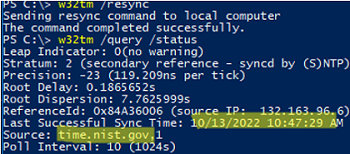
w32tm /query /status
Questions and AnswersWindows 10Windows 11Windows Server 2019

Internet Time Synchronization Failed on Windows

March 6, 2023

A time synchronization error may occur in Windows when your computer fails to automatically synchronize its local time with the time.microsoft.com time servers on the Internet. If your computer’s time…

0 Facebook Twitter Google + Pinterest
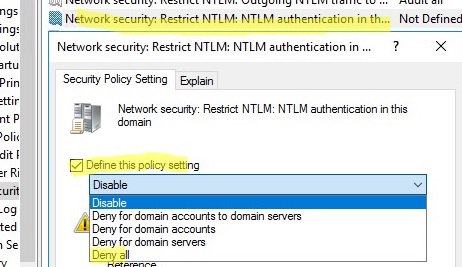
GPO: Network Security: Restrict NTLM: NTLM authentication in this domain
Active DirectoryGroup PoliciesWindows 10Windows Server 2019

How to Disable NTLM Authentication in Windows Domain

February 28, 2023

NTLM (NT LAN Manager) is a legacy Microsoft authentication protocol that dates back to Windows NT. Although Microsoft introduced the more secure Kerberos authentication protocol back in Windows 2000, NTLM…

13 Facebook Twitter Google + Pinterest
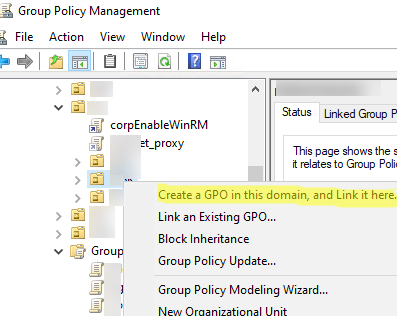
Create new GPO
Active DirectoryGroup PoliciesQuestions and AnswersWindows 10Windows Server 2019

Group Policy Management in Active Directory

February 27, 2023

Active Directory Group Policies allow you to centrally apply the same settings for multiple computers and/or domain users and greatly simplify configuration management in an AD domain environment. The Group…

7 Facebook Twitter Google + Pinterest
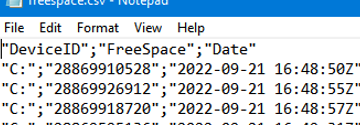
Powershell Append CSV file
PowerShellQuestions and AnswersWindows 10Windows Server 2019

Export-CSV: Output Data to CSV File Using PowerShell

February 20, 2023

You can use the Export-CSV cmdlet in PowerShell to export data arrays to CSV files. In this article, we will show you how to export data to a CSV file…

0 Facebook Twitter Google + Pinterest
deploy multiple registry parameters from xml via gpo
Active DirectoryGroup PoliciesWindows 10Windows Server 2019

How to Add, Set, Delete, or Import Registry Keys via GPO

February 7, 2023

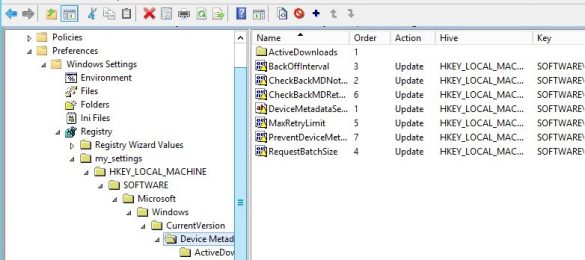
In this article, we will look at how to use Group Policy (GPO) to centrally create, modify, import, and delete any registry keys and parameters on domain-joined computers.

9 Facebook Twitter Google + Pinterest
Enable user profile disks in RDS collection
PowerShellWindows Server 2016Windows Server 2019

Configuring User Profile Disks (UPD) on Windows Server RDS

February 6, 2023

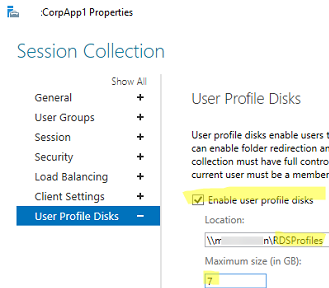
User Profile Disk (UPD) allows you to store the profile of each Remote Desktop Services user (%USERPROFILE%) in a separate VHDX (virtual disk) file. Such a profile disk is connected…

9 Facebook Twitter Google + Pinterest
Enable user Folder Redirection in Windows via GPO
Active DirectoryGroup PoliciesWindows 10Windows Server 2019Windows Server 2022

Configure User’s Folder Redirection with Group Policy

February 3, 2023

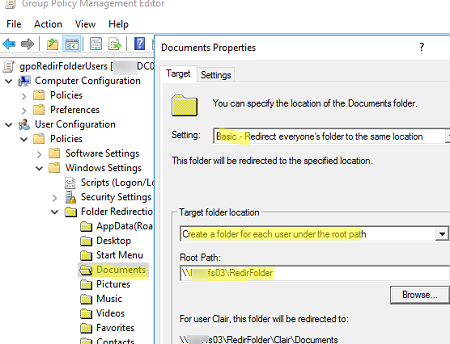
Folder Redirection enables you to store some user profile folders (special folders like Desktop, Documents, Pictures, Downloads, etc.) in a shared network folder on your file server. Redirected folders work…

4 Facebook Twitter Google + Pinterest
powershell view consolehost-history log file
PowerShellWindows 10Windows 11Windows Server 2019

Using Previous Command History in PowerShell Console

January 31, 2023

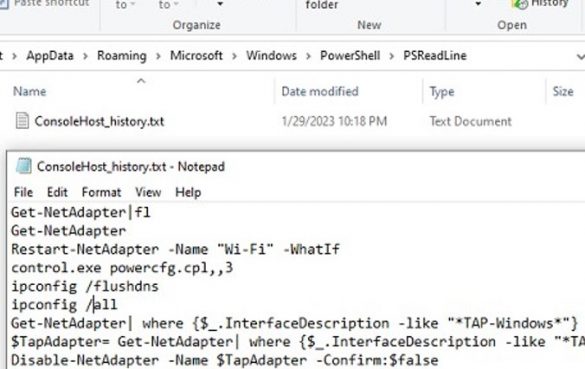
By default, Windows saves all of the commands that you type in the PowerShell console to a text log file. This allows you to re-run any command and view the…

8 Facebook Twitter Google + Pinterest
Active DirectoryPowerShellWindows 10Windows 11Windows Server 2019

How to Install the PowerShell Active Directory Module and Manage AD

January 31, 2023

Every Windows system administrator should be able to use not only graphical AD snap-ins (usually it is ADUC, Active Directory Users and Computers), but also PowerShell cmdlets to perform everyday…

12 Facebook Twitter Google + Pinterest
Can't run IE11 on Windows: this action is restricted
Group PoliciesPowerShellQuestions and AnswersWindows 10Windows 11Windows Server 2019

How to Disable or Uninstall Internet Explorer (IE) in Windows

January 26, 2023

Microsoft has officially ended support for Internet Explorer (IE) in all current builds of Windows 10 and 11 since June 15, 2022 (except LTSC editions and Windows Server). The classic…

2 Facebook Twitter Google + Pinterest
  • 1
  • …
  • 6
  • 7
  • 8
  • 9
  • 10
  • …
  • 28
join us telegram channel https://t.me/woshub
Join WindowsHub Telegram channel to get the latest updates!

Recent Posts

  • Inactive TS Ports in Windows: Causes and Fixes

    July 20, 2026
  • Add Wireless Wi-Fi Profiles on Windows Devices via Export/Import or GPO

    July 13, 2026
  • CrowdSec on Windows: From Installation to Threat Blocking

    July 3, 2026
  • Manage Microsoft Store Apps with Store CLI in Windows 11 from Terminal

    July 2, 2026
  • Windows Sandbox on Windows 11: Enable, Configure, and Use

    June 10, 2026
  • How to Monitor Windows Machines with Zabbix

    May 26, 2026
  • Fixing Duplicate Security Identifier (SID) Issues in Windows

    May 25, 2026
  • Monitor a Folder for File Changes Using PowerShell and FileSystemWatcher

    May 15, 2026
  • Protect Windows Server from DDoS and Brute-Force Attacks with IPBan

    May 12, 2026
  • How to Force Uninstall ANY Stubborn Program in Windows

    May 7, 2026

Follow us

  • Facebook
  • Twitter
  • Youtube
  • Telegram
Popular Posts
  • 0x80244010 Exceeded Max Server Round Trips: Windows Update Error
  • Permanently Disable Driver Signature Enforcement on Windows 11
  • Shutdown/Restart Windows using Command Prompt and PowerShell
  • How to Force Remove a Printer That Won’t Uninstall on Windows
  • Enable All CPU Cores on Windows 10 and 11
  • How to Completely Remove/Uninstall a Driver in Windows
  • Fix: Windows Update Tab (Button) is Missing from Settings
Footer Logo

@2014 - 2026 - Windows OS Hub. All about operating systems for sysadmins


Back To Top